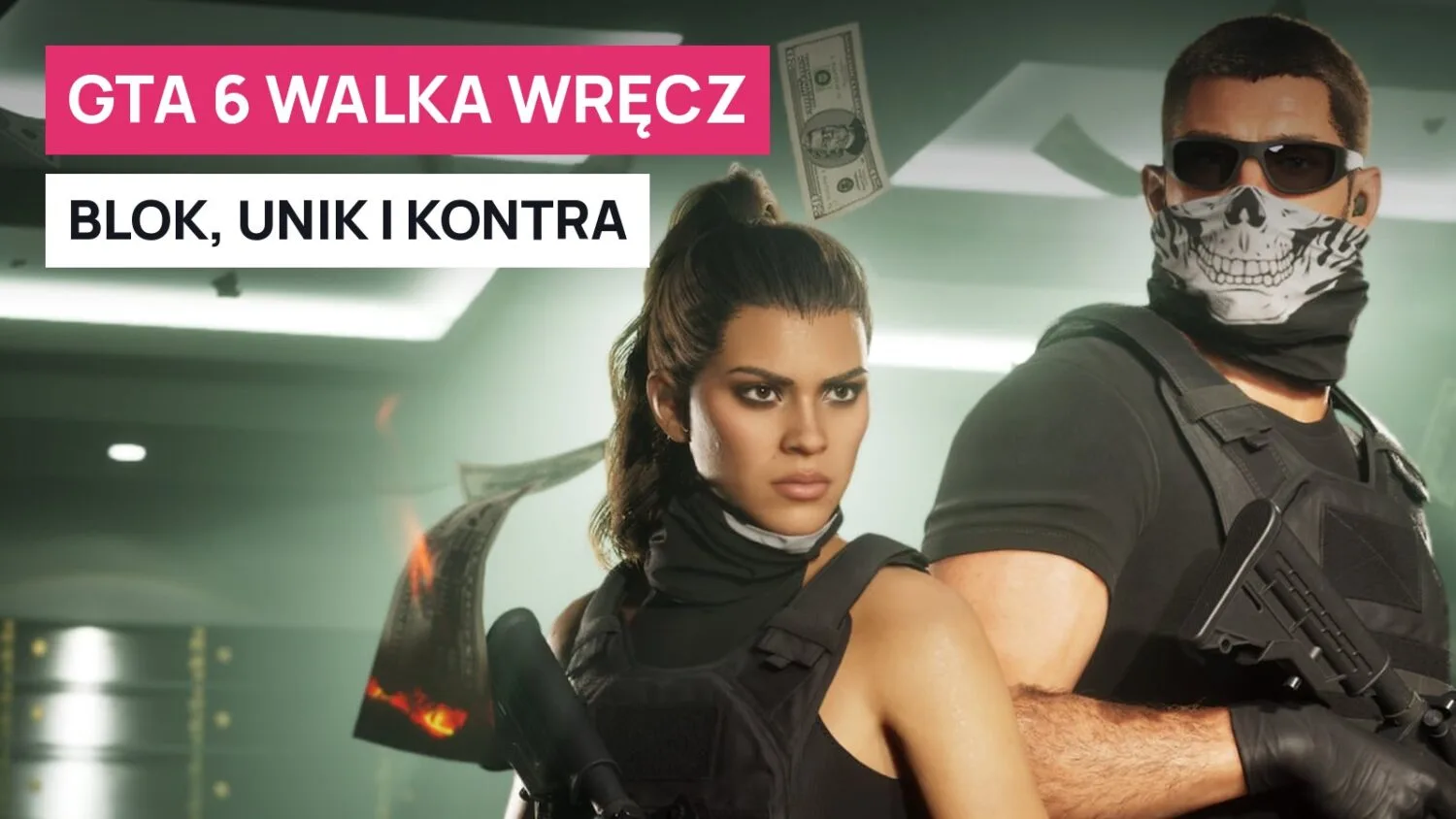
How do you fight in GTA 6? On the default control scheme (Default), melee combat comes down to four buttons: Square (X on Xbox) throws a punch, a held Cross (A) blocks, Cross pressed just before the enemy's hit gives you a dodge, and a held R2 (RT) grabs your opponent. A counter is a dodge followed immediately by a Square punch. If you play on the Classic scheme, the punch is on Circle.
In short
- Punch: Square / X, heavy punch: hold Square / X.
- Block: hold Cross / A. Dodge: tap Cross / A just before the hit lands.
- Counter: dodge at the right moment, then hit Square / X right after.
- Grab: hold R2 / RT, then Square / X for a close-range strike.
- On the Classic scheme the punch is on Circle / B, and block and dodge are on Square / X.
Melee combat in GTA 6: buttons on PS5 and Xbox
The table covers the default control scheme (Default). GTABase compiled it from the in-game controls screens, and GamerBlurb lists the same layout. The buttons work the same way whether you fight with your fists or hold a melee weapon. You'll find the full list of buttons outside combat in our guide to GTA 6 controls.
| Action | PS5 | Xbox |
|---|---|---|
| Lock on to an enemy and move around them | hold L2 | hold LT |
| Strike (punch or kick) | Square | X |
| Heavy punch | hold Square | hold X |
| Block | hold Cross | hold A |
| Dodge | Cross just before the hit | A just before the hit |
| Counter | dodge, then Square | dodge, then X |
| Grab | hold R2 | hold RT |
| Strike while grabbing | Square | X |
| Set up your opponent for follow-up attacks (while grabbing) | hold Square | hold X |
| Crouch | Circle | B |
Lock-on is on the same button as aiming a weapon. When you hold L2 or LT without a weapon in hand, your character turns to face the opponent and moves around them.
Default or Classic scheme: which one do you have?
The game has three control schemes: Default, Classic and Left-Handed. You can change the scheme in Settings, under Control Scheme. That's also where you can check which buttons are assigned to combat.
According to GTABase, combat on the Classic scheme looks like this:
| Action | Default (PS5 / Xbox) | Classic (PS5 / Xbox) |
|---|---|---|
| Punch | Square / X | Circle / B |
| Block | hold Cross / A | hold Square / X |
| Dodge | Cross / A just before the hit | Square / X just before the hit |
| Counter | dodge, then Square / X | dodge, then Circle / B |
| Grab | hold R2 / RT | hold R2 / RT |
| Strike while grabbing | Square / X | Circle / B |
The Polish guide on ppe.pl puts the punch and heavy punch on Circle, but block on Cross and the counter as Cross followed by Square. That's a mix of both schemes. We go with the Default layout from GTABase, because it comes from the in-game controls screens. If Square doesn't throw a punch for you but Circle does, you have Classic turned on.
How to block, dodge and counter
Block and dodge share the same button. The difference is how you press it. A held Cross (A) is a guard against blows, while a quick tap just before the hit lands is a dodge.
A counter takes timing. You dodge at the last moment and hit Square (X) right after, to land a hit before your opponent recovers. According to GTABase, enemies in GTA 6 are a bit smarter than in GTA 5, so it's better to wait for their attack, dodge and only then counter, instead of flailing at them blindly.
Grabs and wrestling moves
Hold R2 (RT) to grab an opponent. While grabbing, Square (X) delivers a close-range strike, and a held Square sets your opponent up so they're defenseless against further attacks. According to GTABase, the direction of the left stick during a grab decides which move your character performs.
GTABase also describes wrestling moves. If you sprint up to someone and press the strike button, your character performs a wrestling-style hit. GTABase's list includes Spear, Dropkick, Clothesline, Running Knee, Body Slam and Spinebuster, among others. Some throws depend on which side you grab from: German Suplex requires a grab from behind, and Rock Bottom a grab from the front. You can pull off the Flying Elbow Jump by jumping from a height during the backyard wrestling random event.
Some enemies resist when grabbed. According to GTABase, you first have to weaken them with a few punches.
Silent takedowns and disarming
To take someone down quietly, approach them from behind, ideally crouching (Circle or B). Hold R2 (RT) to grab them, then press Square (X) a few times. On the Classic scheme, use the punch button instead of Square, that is Circle.
According to GTABase, you can also strike while holding a firearm. A strike delivered at close range to someone holding a gun knocks it out of their hand. You can attack from a car too: Square (X) while driving hits a pedestrian with the car door, and on a two-wheeler your character kicks them.
Stamina, health and tips
- Every punch uses up stamina. When the bar runs out, your punches are much weaker until it regenerates. Don't pummel your opponent non-stop; mix your strikes with blocks and dodges.
- You raise your stamina and health with regular training. We describe the details in our guide to gyms in GTA 6.
- According to GTABase, using Zombix, which restores health, takes a moment. When your health is low, first run away from your opponent, and only then heal. More in our guide to healing in GTA 6.
- If combat gives you trouble, check the accessibility options described in our article on difficulty levels in GTA 6.
Frequently asked questions
How do you block in GTA 6?
On the default scheme, hold Cross on PS5 or A on Xbox. On the Classic scheme, block is on Square or X, according to GTABase.
How do you counter in GTA 6?
Press Cross (A) just before a blow lands, then Square (X) right after. It's a dodge combined with an immediate strike.
Why is the punch on Circle in GTA 6?
You have the Classic scheme turned on. On the default scheme, the punch is on Square. You can change the scheme in Settings, under Control Scheme.
Why are my punches weak?
You've probably run out of stamina. Every punch uses it up, and with an empty bar your hits lose force until the bar refills.
How do you grab an opponent in GTA 6?
Hold R2 on PS5 or RT on Xbox. While grabbing, you throw strikes with the strike button and pick the move with the left stick.
Does melee combat kill pedestrians?
According to GTABase, melee combat usually doesn't kill, so it helps keep your character's Criminal Profile lower. The exception is throwing someone into water or off a height, because the game treats that as a kill.
You'll find more guides in the GTA 6 hub.