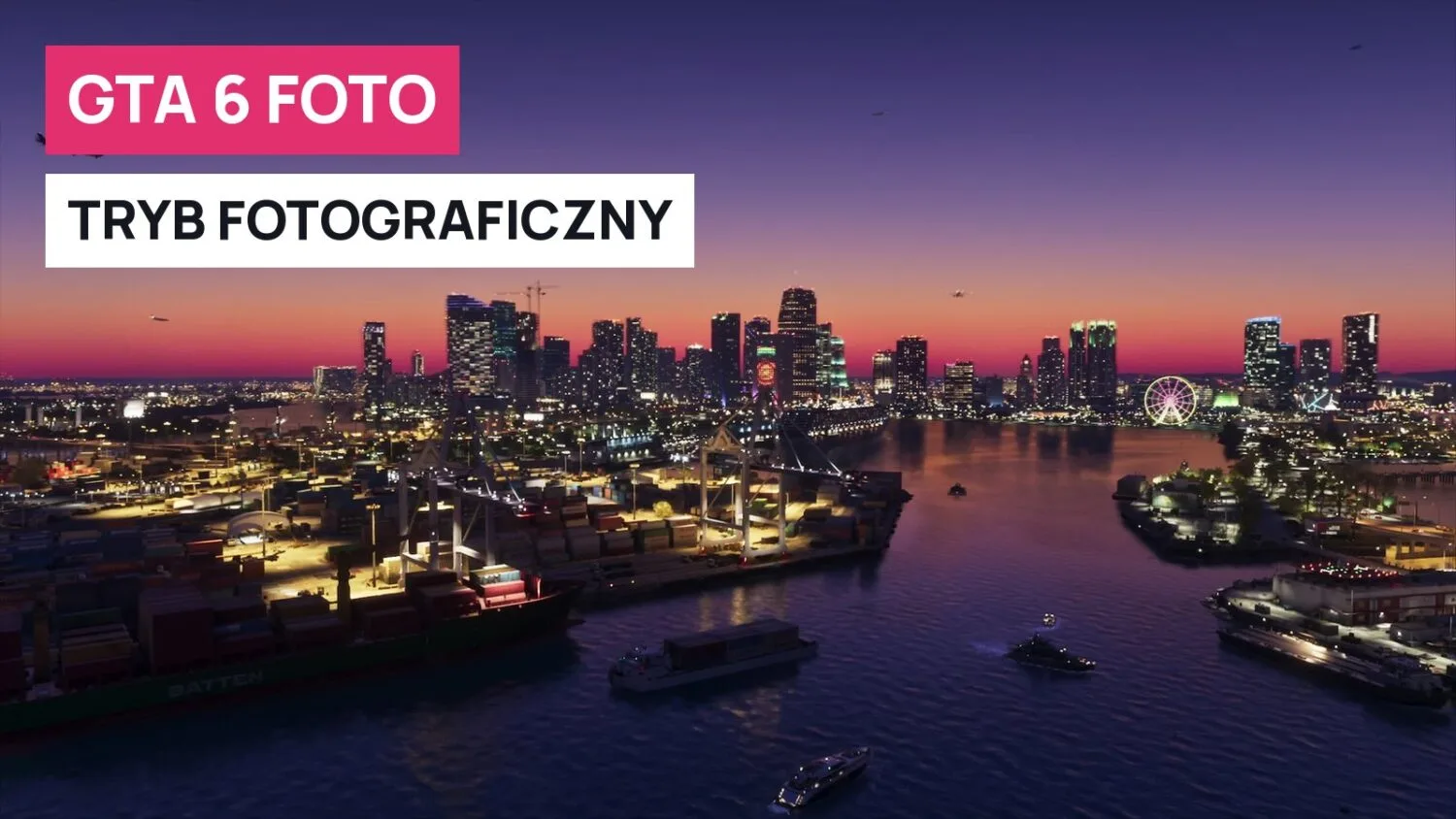
Yes, GTA 6 has a photo mode, and in the game it is called Photo Studio. You open it from the pause menu on PS5 and Xbox Series X|S. Separately, your character's phone has a camera that can also take selfies.
At a glance
- The photo mode is called Photo Studio. There is no full Director Mode at launch.
- You enter through the pause menu. The pause menu shortcut is Square on PS5 and X on Xbox.
- You get depth of field, filters, a vignette and several layers of lighting. You can't change the time of day or the weather.
- Phone photos are separate: D-pad up, then R2 (PS5) or RT (Xbox).
- The sources don't say where Photo Studio pictures are saved.
Does GTA 6 have a photo mode?
Yes. GTABase lists Photo Mode among the game's features and adds that there will be no full Director Mode, at least at launch. The CD Action reviewer praises the photo mode and notes that you can add lighting points and change them freely.
According to Beebom, Photo Studio is available from the start of the game and doesn't need to be unlocked through missions. Insider Gaming writes that you can open it during cutscenes too, but with fewer effects. Locked options then carry the note "currently unavailable". Kotaku observes that in one scene the camera is fixed in place, so switching to photo mode changes little.
How to turn on photo mode in GTA 6 on PS5 and Xbox
Pause the game with the Options button on PS5 or Menu on Xbox and pick Photo Studio from the list. The pause menu shortcut, which TechRadar and Insider Gaming mention, is faster.
| Console | Pause | Photo Studio shortcut in the pause menu |
|---|---|---|
| PS5 | Options | Square |
| Xbox Series X|S | Menu | X |
Photo Studio options: camera, filters, lighting
TechRadar lists aspect ratio, depth of field, exposure and grain. On top of that come 17 filters and a vignette that draws the eye to the main subject of the frame. Insider Gaming adds color palette adjustment.
The mode's strongest feature is lighting. You add several layers of lighting, move the lamps around and change their size, intensity, beam angle and color. You can pose the character in the frame, and according to Beebom even hide them completely.
You can't change the time of day or the weather in Photo Studio, as confirmed by Insider Gaming and Beebom. If you want specific lighting, catch it in the game before you pause the action.
The phone camera of Jason and Lucia
Besides Photo Studio, there is a regular phone camera. PowerPyx describes it during the Photo/Shoot (Shoot a Promo) mission: D-pad up pulls out the camera, and R2 on PS5 or RT on Xbox takes the picture. Beebom describes the route through the phone menu: the Camera app, switching to the front camera for selfies, and Take Photo.
CD Action writes that with the phone you can take a selfie with the other character, choosing poses and expressions. NPCs notice that you are photographing them and are sometimes annoyed. You can find more about the protagonists in our character overview.
Snapmatic, the gallery and sharing
Snapmatic is an app on Jason's and Lucia's phones, similar to Instagram. In it you browse other people's posts, leave likes, read comments and mark on the map where a photo was taken. Insider Gaming claims you can't upload your own photos there. That is information from a single source.
According to Beebom, you can view previously taken photos in the Gallery app on the phone. None of the open sources says where Photo Studio pictures end up or whether the game has built-in sharing. The console's screenshot button remains a sure way. We cover the game's settings on the GTA 6 settings page.
Frequently asked questions
How do I turn on photo mode in GTA 6?
Pause the game and select Photo Studio from the pause menu, or press Square on PS5 or X on Xbox there.
Does GTA 6 have Director Mode?
Not at launch, according to GTABase.
Can you change the weather or time of day in photo mode?
No. Those options are not available.
Can I upload photos to Snapmatic?
According to Insider Gaming, no. The app is for browsing other people's posts, likes and comments.
Can you take a selfie?
Yes, with the front camera on the phone. CD Action writes about choosing poses and expressions for a selfie with the other character.
Can I take a photo in first person?
That's a separate topic. We cover it in our guide to first-person view in GTA 6.
Go back to the GTA 6 section to see the rest of our guides.