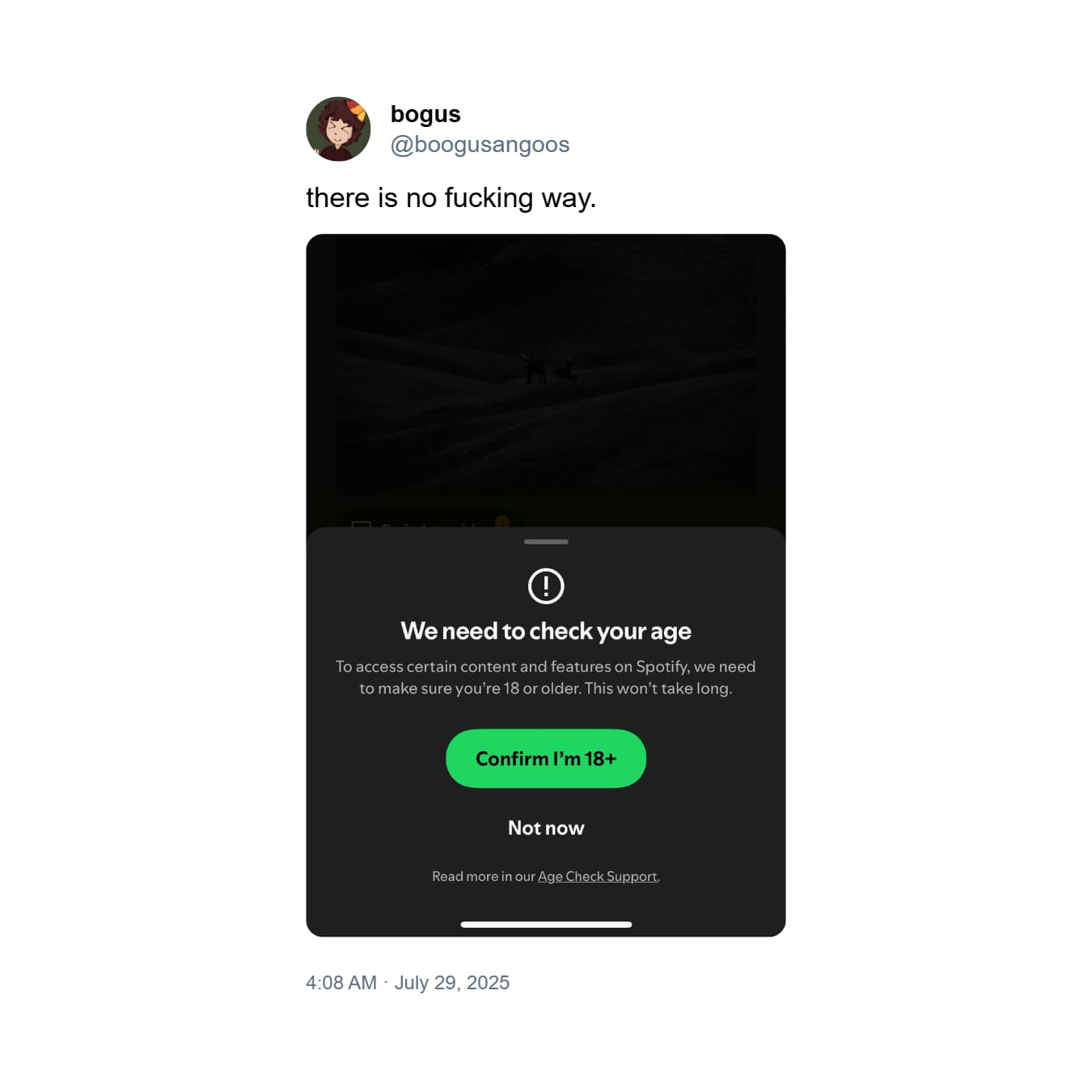
In recent months, Spotify has introduced stricter rules for confirming users’ ages in order to protect minors from inappropriate content, such as music videos marked 18+. To this end, the platform works with the well-established company Yoti, which specializes in digital identity confirmation. Anyone who wants to access age-restricted content may be asked to go through the verification process.
How does verification work and who must complete it?
The age confirmation process on Spotify works on two tracks:
First, users can verify their age using so-called age estimation based on their face, via the device’s camera.
Second, if the tool estimates the age incorrectly or we refuse this method, the age must be confirmed by scanning an identity document.
Not everyone will be asked to go through this process immediately. Verification applies primarily to people trying to watch materials restricted to 18+ or to new users creating an account. However, Spotify reserves the right to send verification requests to randomly selected users in order to maintain consistency and compliance with laws in different countries.
Consequences of failing to confirm age
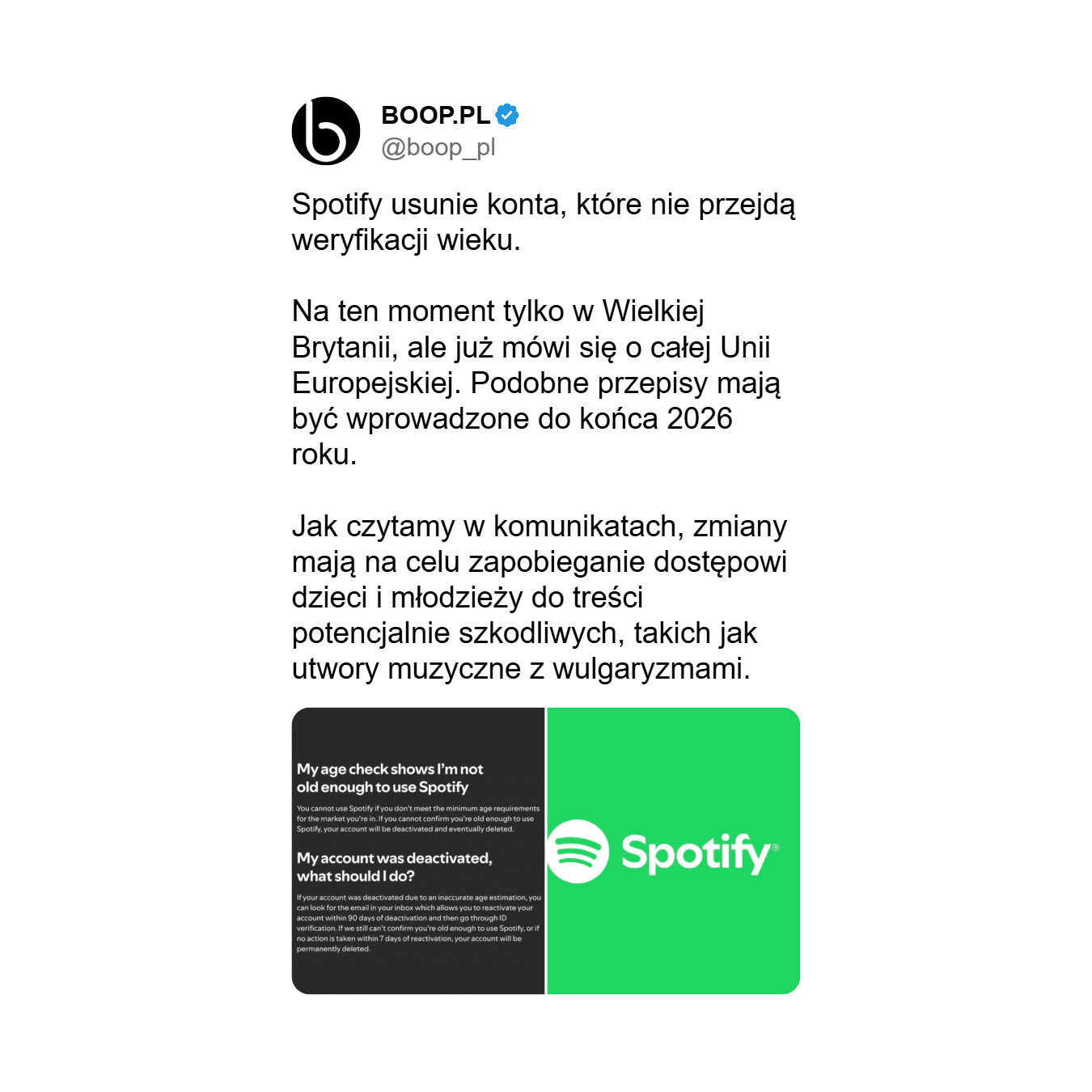
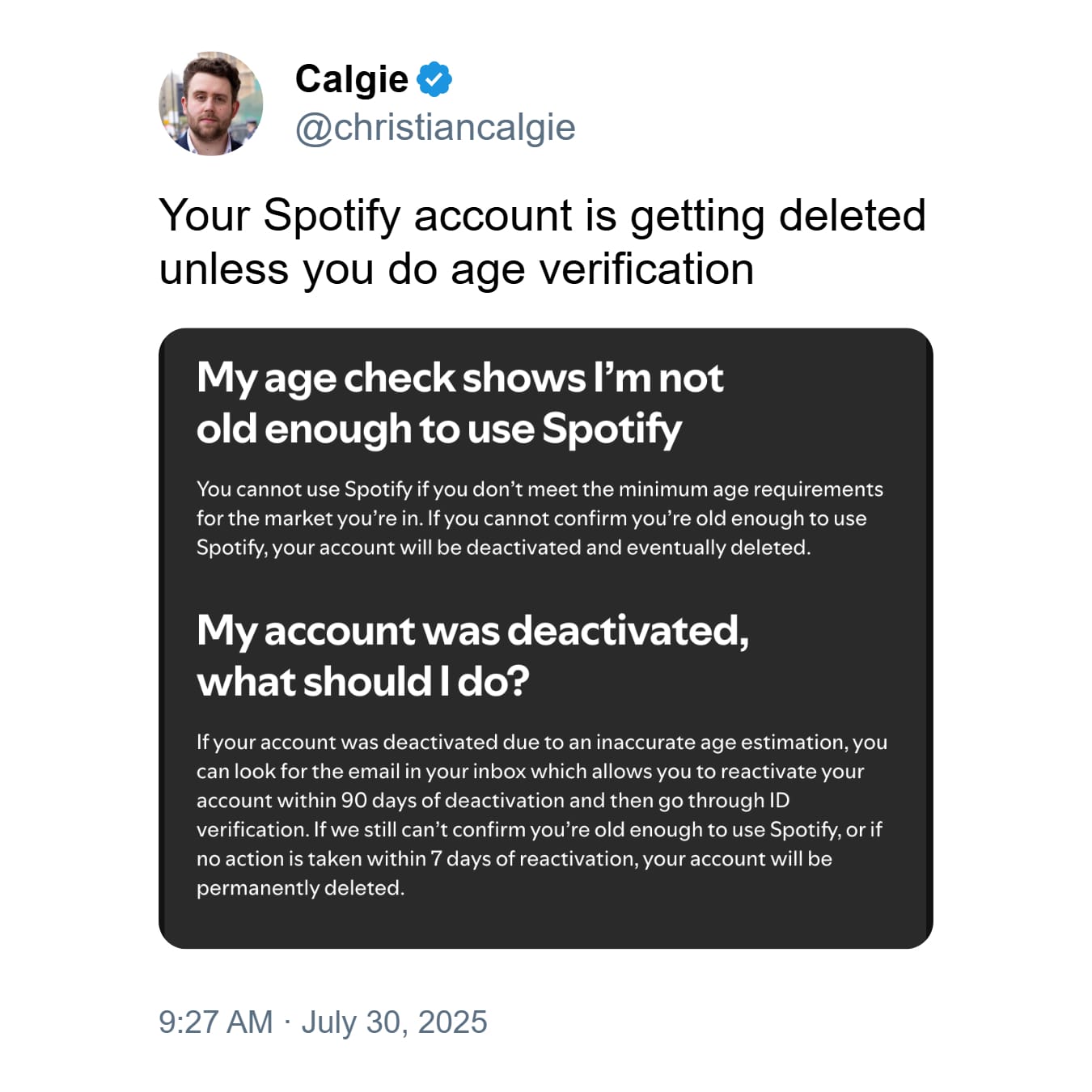
Spotify warns: if you are unable to complete verification or do not respond to the notification, your account will first be temporarily deactivated and then, after 90 days, permanently deleted. Users who fail to confirm their age by mistake can reactivate their account via a link sent by email and try verification again (response time – 7 days from reactivation).
Important:
Accounts without confirmed age will not be able to use the platform
The deletion procedure is irreversible after 90 days from deactivation
Underage users are asked to use Spotify Kids
How to prepare for age verification?
To avoid problems:
Check that the email address you gave Spotify is up to date
Prepare an identity document (e.g. ID card, passport)
Regularly check the inbox of the email linked to the account
How the process works step by step
You receive a notification that you need to confirm your age.
You go to the Spotify app, where you receive instructions.
You choose the form of verification: via camera or document.
Once verification is complete, the account remains active; without verification, the account is deactivated.
Kamila Banasik - redaktorka DigitalNexus.pl. Pasjonatka rzetelnych informacji i kreatywna reporterka. Ukończyła dziennikarstwo na Uniwersytecie Wrocławskim.







Komentarze